
Warning! The entire background processing involved in activation can take several hours. During busy periods, such as the start of the academic year, the Microsoft system can also sometimes become overloaded. If you see an error message, please try again later.
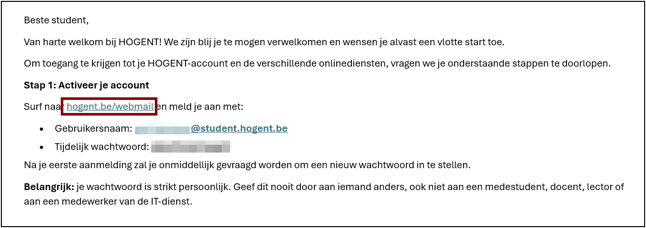
Activation email
You will receive an email from us at the private email address provided by you or your HOGENT contact. Click on the first link in that email to start the activation process for your student account.
Activating your student account
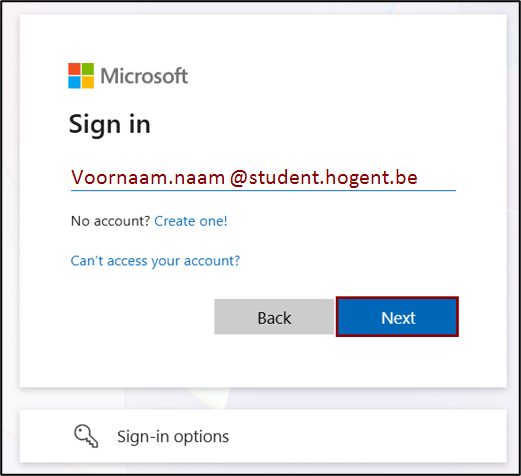
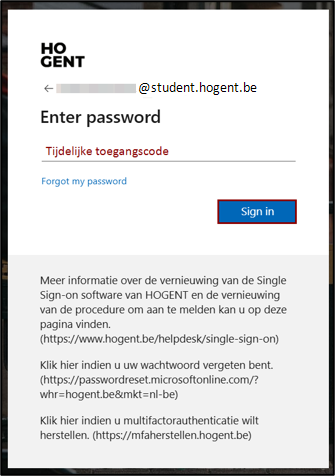
You can activate your student account by going to hogent.be/webmail and logging in with your user ID (voornaam.naam@student.hogent.be) and the temporary access code, both of which can be found in the activation email.
Congratulations, your account has been activated!
You have successfully activated your account and your password has been set. Now you can secure your account by setting up multifactor authentication.